
Web Hosting FAQ
Clear, practical and expert-backed answers to the most common questions about web hosting, domains, bandwidth, SSL security, backups, email accounts and website protection.
This guide is created by WebHostingTube to help beginners, business owners and website professionals understand hosting terminology and make smarter hosting decisions.
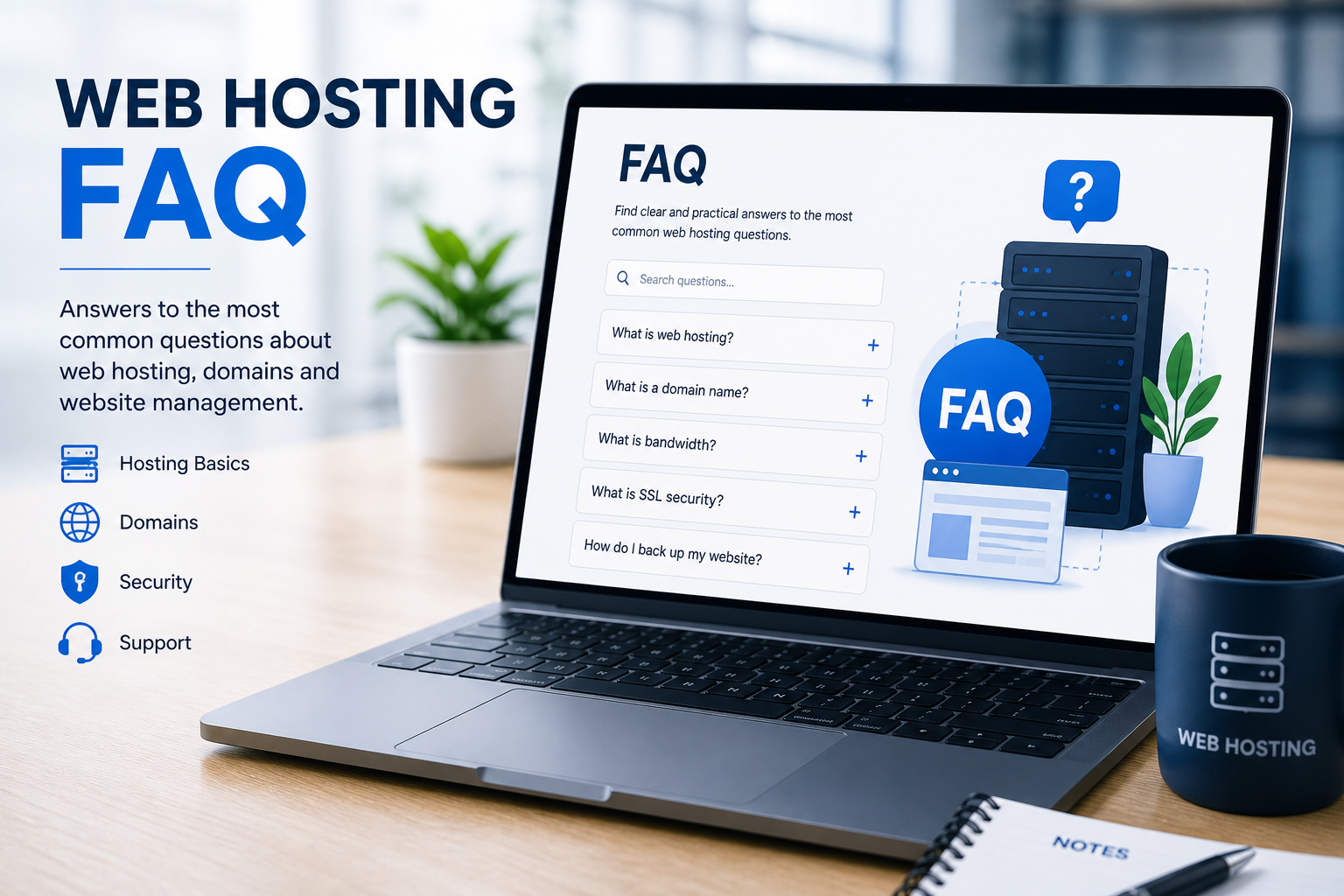
Before You Choose a Web Host
Choosing the right hosting provider is easier when you understand the basics. A good hosting plan should offer reliable uptime, enough storage and bandwidth, SSL security, backups, responsive support and room for your website to grow.
The answers below explain the most important hosting concepts in simple language, while also giving you practical advice based on real-world website management experience.
Contents
- What is web hosting?
- What is shared web hosting?
- What is a domain name?
- What is bandwidth?
- What is disk space?
- How can I track website visitors?
- How do I get a professional email address?
- What is SSL security?
- Is my website protected from hackers?
- How do I back up my website?
- How do I remove a listing from WebHostingTube?
1. What is Web Hosting?
Web hosting is the service that stores your website files on a server and makes them available online. Every website needs hosting so visitors can access pages, images, databases, scripts and other website content through a browser.
A reliable hosting provider helps keep your website online, secure and fast. Important factors include uptime, server speed, bandwidth, storage, backups, security features and customer support.
2. What is Shared Web Hosting?
Shared hosting means multiple websites are hosted on the same server and share its resources. This keeps costs low, which makes shared hosting a popular starting point for beginners, blogs and small business websites.
The downside is that performance can be affected if other websites on the same server use too many resources. For larger websites, online stores or high-traffic projects, VPS, cloud or dedicated hosting may be a better long-term choice.
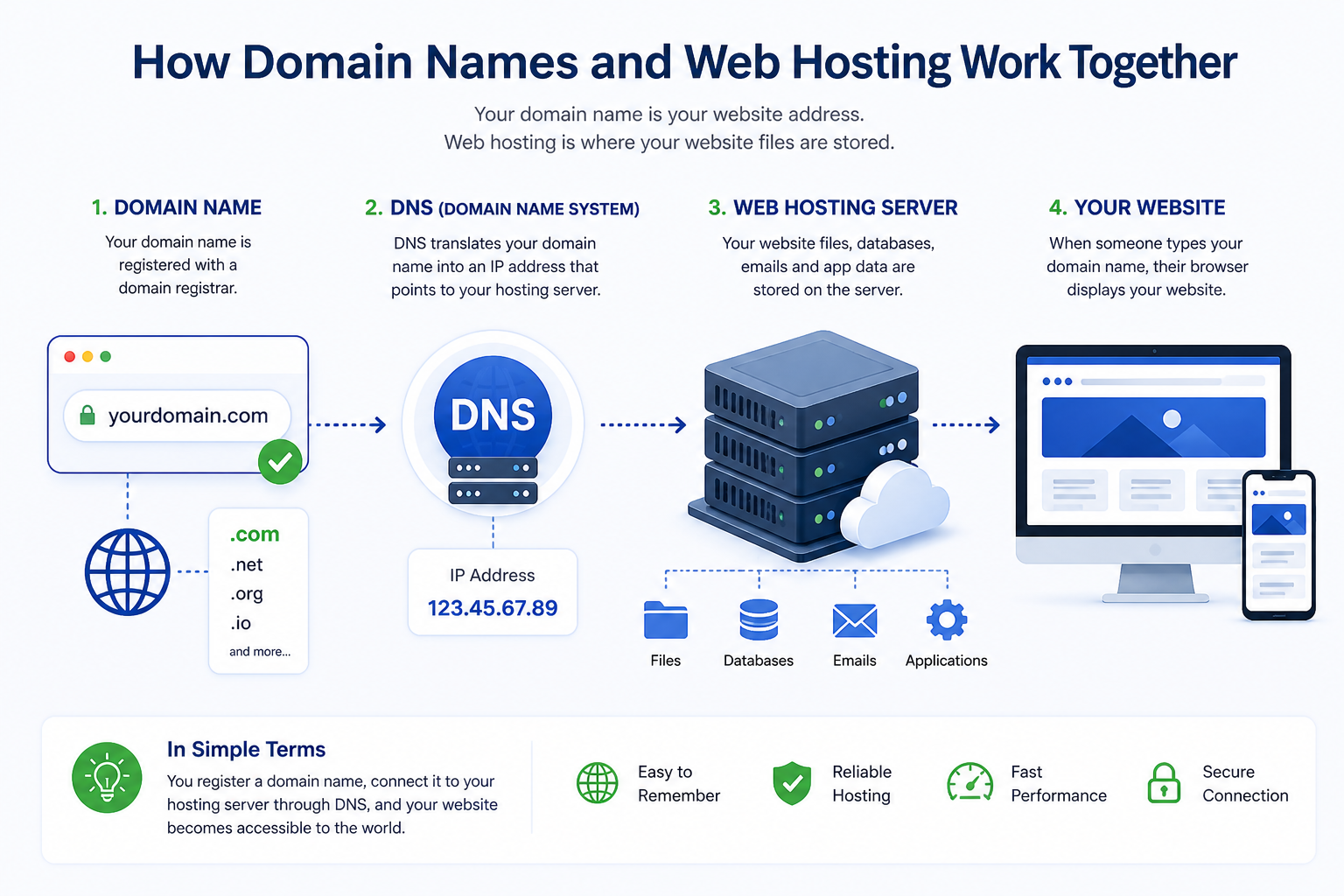
Domains and Hosting Work Together
Your domain name is your address, while hosting is where your website lives. A good setup connects both properly so visitors can reach your website quickly and securely.
3. What is a Domain Name?
A domain name is your website address, such as example.com. Instead of typing a server IP address, visitors use your domain name to reach your website.
Domains are registered through domain registrars and usually renewed yearly. Many hosting providers also sell domains, which can make setup easier because your domain and hosting are managed from the same account.
4. What is Bandwidth and How Much Do You Need?
Bandwidth is the amount of data transferred between your website and visitors. Each page view uses bandwidth because text, images, scripts, videos and files must load from the server.
A small website with mostly text and images usually does not need huge bandwidth. Media-heavy websites, file downloads, online stores and high-traffic sites need more resources.
5. What is Disk Space and How Much Do I Need?
Disk space is the storage available in your hosting account for website files, databases, images, videos, backups and sometimes email accounts.
A simple website may need very little storage, while ecommerce stores, photo galleries, video-heavy sites and large email inboxes require more. Choose a plan that gives you room to grow.
6. How Will I Know How Many People Visited My Site?
You can track visitors using analytics tools such as Google Analytics, Matomo or built-in hosting statistics. Analytics tools show how many people visit your site, where they come from, which pages they view and how they interact with your content.
For businesses, this data is extremely valuable because it helps improve marketing, content strategy, conversions and sales performance.
7. How Do I Get a Professional Email Address?
Example: me@mywebsite.com
A professional email address uses your own domain name, such as contact@yourbusiness.com. Many hosting plans include email accounts, while some providers sell professional email separately.
You can usually create email accounts from your hosting control panel. From there, you can set passwords, configure forwarding, connect email to Outlook or Gmail, and manage mailbox storage.
Security Should Never Be an Afterthought
SSL, backups, malware protection and strong passwords are basic requirements for any serious website. Even small websites can become targets if they are not updated and protected.
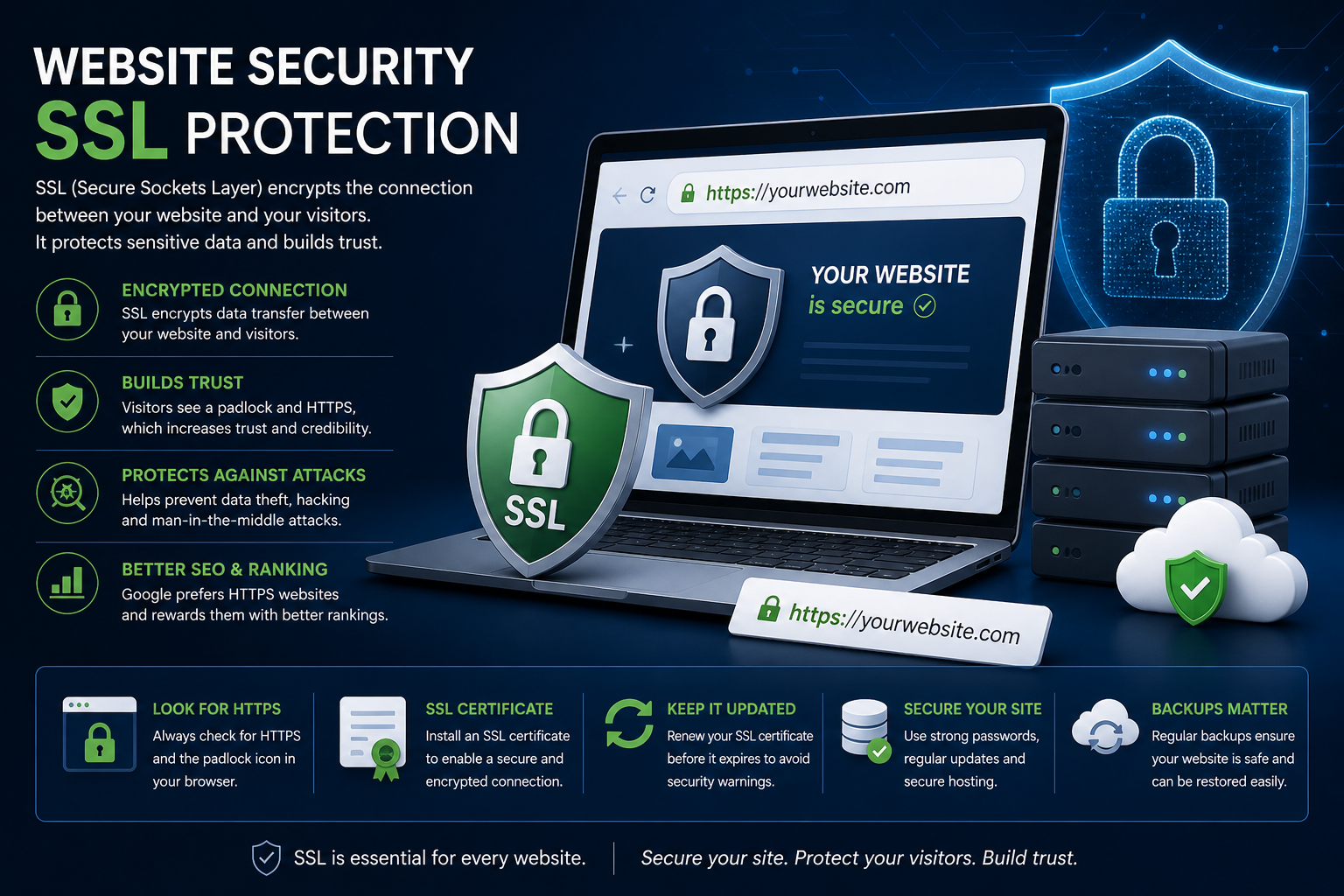
8. What is SSL Security?
SSL encrypts the connection between your website and visitors. When SSL is active, your website uses https and browsers usually display a padlock icon.
SSL is essential for contact forms, logins, checkout pages and any website that collects personal data. Many hosting providers now include free SSL certificates with their plans.
9. Is My Website Protected from Hackers?
Hosting providers may include firewalls, malware scanning, anti-bot protection and server-level monitoring, but website security is also your responsibility.
If you use WordPress, keep the core software, themes and plugins updated. Use strong passwords, enable two-factor authentication where possible, remove unused plugins and maintain regular backups.
10. How Do I Back Up My Website?
Backups protect your website if files are deleted, a plugin update breaks your site, malware causes damage or a server issue occurs. Many hosting providers include automatic backups, but you should understand exactly what is backed up and how restore works.
You can also create manual backups through your control panel, FTP or website backup plugins. For business websites, keeping an off-site backup is strongly recommended.
11. How Do I Remove a Listing from WebHostingTube?
We understand that some hosting companies may request removal from WebHostingTube. However, we only remove a listing if the hosting company has permanently closed.
We recommend keeping your company profile accurate and up to date. If your company has permanently shut down and you would like the listing removed, please contact us and include documentation confirming the closure. After verification, we will remove the listing.
Ready to Compare Hosting Providers?
Now that you understand the basics, compare hosting companies by features, pricing, support, server locations, CMS compatibility and overall value.
Checkout Our Web Hosting Providers